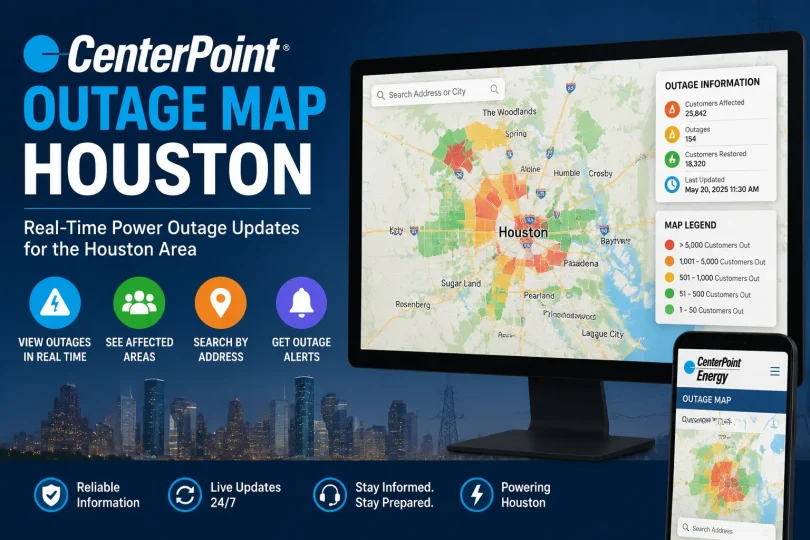

The CenterPoint outage map helps Houston residents check current power outages, see affected areas, and track restoration progress. During an outage, customers can use CenterPoint Energy’s outage tools to report a power outage, check outage status by address or ZIP code, and estimate when electricity may be restored.
This guide explains how to use the CenterPoint outage map in Houston, report an outage, check CenterPoint outages by ZIP code, understand restoration updates, and find other outage trackers for Houston when severe weather causes widespread power interruptions.
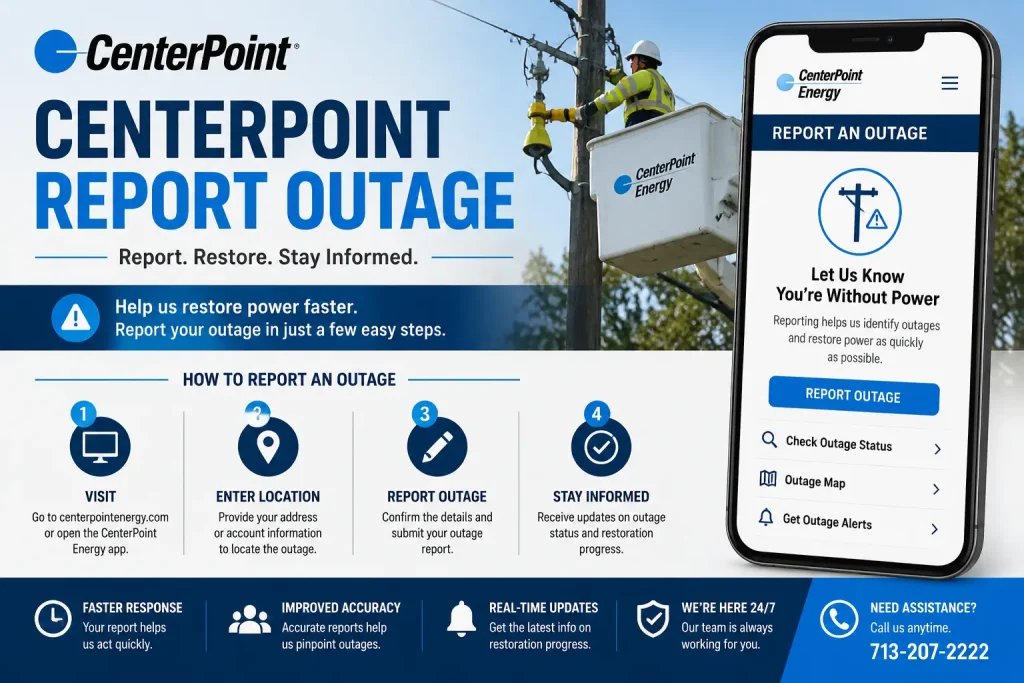
How to Report a Power Outage in Houston
CenterPoint Energy gives Houston customers three main ways to report an outage:
- Call CenterPoint directly at 713-207-2222. This is the official Texas outage reporting line and works around the clock, including during hurricanes and major storms.
- Report online through CenterPoint’s Outage Tracker by clicking the red “Report” button on the tracker website. You will need either your phone number or meter number along with your house number.
- Report through the Action Center, CenterPoint’s dedicated hub for outage information, safety guidance, and service updates, which also lets you enroll in free outage alerts.
If you see a downed power line, do not attempt to report it as a routine outage. Stay at least 35 feet away and call CenterPoint immediately, since downed lines are treated as an emergency, not a standard report.
CenterPoint Report Outage: What Happens After You Submit
Once you submit a report, either by phone or online, CenterPoint logs your account or meter against the outage event in that area. If enough reports come in from the same location, the outage typically appears on the public map within a short time as a confirmed event with an estimated restoration time. After reporting, you can also enroll in Power Alert Service, which sends free email, text, or phone alerts when your power goes out and again when it is restored. Signing up requires an online account and your meter number, which is printed on your bill or on the meter itself below the usage display.
CenterPoint Outages by Zip Code
You do not need to scroll around the entire Houston map to find your area. The CenterPoint outage tracker lets you search centerpoint outages by zip code directly:
- Open the CenterPoint Outage Tracker.
- Enter your zip code or full street address in the search bar at the top of the map.
- The map automatically centers on your area and displays nearby outage markers.
- Scroll down to the summary panel, which groups outages by county, city, and zip code, giving you a quick count of active outages and affected customers without needing to click through individual pins.
This zip code view is especially useful for businesses or property managers checking on multiple addresses across different parts of Houston at once.
Understanding the CenterPoint Outage Map Houston Tool
CenterPoint relaunched its outage map in 2025 after the original version, released just before Hurricane Beryl in July 2024, drew heavy criticism from Houston residents for confusing color coding and inaccurate data. The rebuilt centerpoint outage map houston tool is cloud based, mobile friendly, and available in both English and Spanish.
Here is what the current map shows and how to read it:
- Search bar: Enter an address or zip code to center the map on your location.
- Outage pins: Click the pin nearest your location to see the estimated number of customers affected and the current estimated restoration time.
- Color coded markers: Red or orange markers generally indicate active outages affecting multiple customers, blue markers often represent outages that have been reported and are pending assessment, and green markers usually show outages where crews have already been dispatched.
- Marker size: Larger markers typically correspond to a bigger cluster of affected customers, which helps you judge at a glance whether an outage is isolated or part of a wider event.
- Zoom and pinch controls: The map supports scrolling with a mouse or pinch to zoom on mobile, making it usable during a storm when you may only have a phone and limited signal.
Power Outage in Houston Right Now: How to Check Current Status
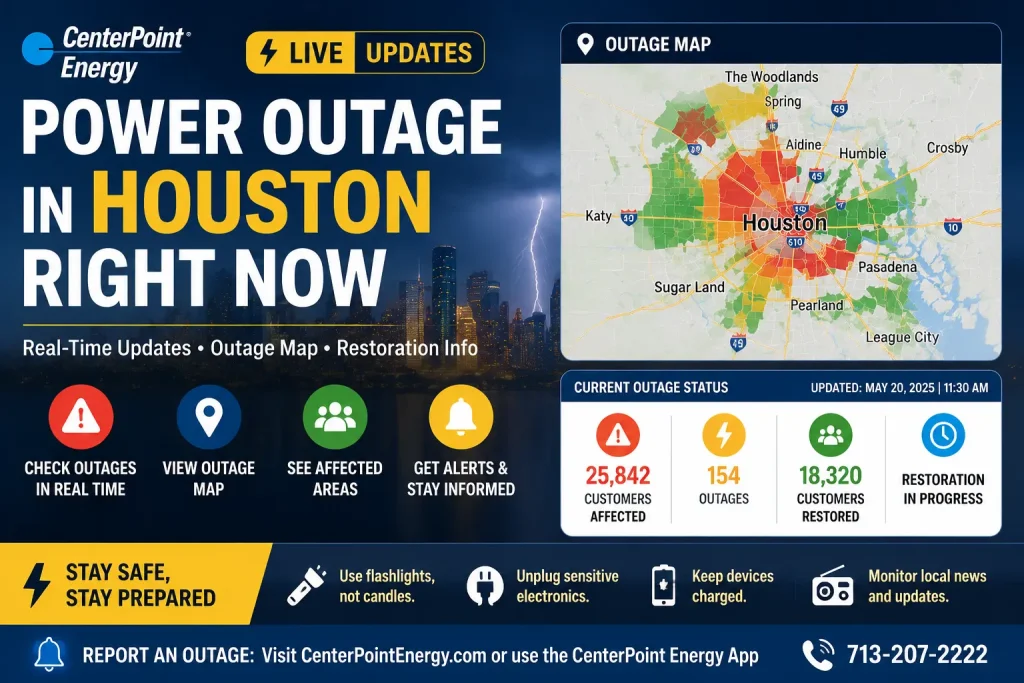
Because outage numbers change by the minute during active weather, no static article can tell you the exact number of customers without power in Houston right now. Instead, use these live sources in this order:
- CenterPoint’s Outage Tracker for the authoritative, utility reported customer count and restoration estimates.
- Local news trackers such as FOX 26 Houston or KHOU, which often publish rolling updates during major storms, including total customers affected and crew deployment numbers.
- CenterPoint’s social media channels, particularly during hurricanes, where the company posts hourly restoration percentages and crew counts.
During past major events, CenterPoint has reported figures such as roughly 169,000 customers without power at a storm’s peak, with 95 percent of customers experiencing no interruption at all, and full restoration achieved within about 24 hours once weather cleared. These figures illustrate the scale CenterPoint is capable of managing, but always check the live tracker for your specific situation rather than relying on past event numbers.
Competitor Comparison: Other Houston Outage Trackers
CenterPoint’s own tracker is the authoritative source, but it is not the only tool Houston residents use. Here is how the alternatives compare.
| Tracker | Data Source | Best For | Update Speed | Zip Code Search | Mobile Friendly |
|---|---|---|---|---|---|
| CenterPoint Outage Tracker | Direct utility data | Official restoration estimates | Near real time | Yes | Yes |
| Houston Chronicle Power Tracker | Third party aggregated data | Cross checking CenterPoint numbers | Periodic refresh | Limited | Yes |
| FOX 26 Houston Outage Tracker | CenterPoint and Entergy combined reporting | Storm coverage with news context | Live during storm coverage | No, area based | Yes |
| KHOU Power Outage Map | Multiple utility trackers linked | Comparing CenterPoint, Entergy, and TNMP together | Periodic refresh | No, links to each utility | Yes |
| Entergy Texas Outage Map | Direct utility data | Areas served by Entergy rather than CenterPoint | Near real time | Yes | Yes |
| Texas New Mexico Power (TNMP) Tracker | Direct utility data | Outlying Houston area suburbs served by TNMP | Near real time | Yes | Yes |
If your address falls in a CenterPoint service area, always confirm status directly on the CenterPoint map first, since third party trackers occasionally lag behind or rely on cached data during the most active phase of a storm.
What to Do If the Map Shows No Outage But You Still Have No Power
This is more common than most people expect and usually falls into one of these categories:
- A nested outage, where the wider system has been marked as restored but a smaller, localized issue is still affecting your specific home or building.
- Equipment specific to your property, such as a damaged weatherhead, meter box, or a tripped breaker that CenterPoint’s system cannot detect remotely.
- An unreported outage, where not enough neighbors have reported the issue yet for it to register as a confirmed event on the map.
Before submitting a report, check your own breaker panel first, then check with neighbors to see if the outage is isolated to your home or affecting the block, and mention this detail when you do report it, since it helps CenterPoint’s dispatch team diagnose the issue faster.
Storm Safety Reminders While Waiting for Restoration
- Stay at least 35 feet from any downed power line and call CenterPoint immediately rather than approaching it.
- Never connect a portable generator directly to your home’s electrical system, since it can backfeed electricity into the lines and endanger utility workers.
- Plug appliances directly into a generator using heavy duty, properly grounded extension cords, and never exceed the generator’s rated wattage.
- Keep phones charged with a backup battery pack so you can keep checking the outage map even if home power and cell towers are strained.
Frequently Asked Questions
How do I report a power outage in Houston?
Call CenterPoint Energy at 713-207-2222, or report online through the CenterPoint Outage Tracker by clicking the red Report button and entering your phone or meter number along with your house number.
How can I check CenterPoint outages by zip code?
Open the CenterPoint Outage Tracker and type your zip code into the search bar at the top of the map. The map will center on your area and the summary panel below will show outage counts grouped by zip code, city, and county.
Why does the CenterPoint outage map show no outage even though my power is out?
This usually means either your outage has not been reported by enough people yet to register as a confirmed event, or the issue is specific to your property, such as a tripped breaker or damaged meter equipment, rather than a wider grid outage. Check with neighbors and your breaker panel before reporting.
Is the CenterPoint outage map the most accurate source during a Houston power outage right now?
It is generally the most authoritative source since it comes directly from the utility, though third party trackers from local news outlets can occasionally provide useful cross checking during the most chaotic early hours of a major storm.
Does CenterPoint send alerts when my power is restored?
Yes. Enrolling in Power Alert Service, which requires an online CenterPoint account and your meter number, sends free email, text, or phone alerts both when your power goes out and again once it has been restored.
Final Takeaway
The CenterPoint outage map Houston tool is the fastest and most reliable way to confirm whether a power outage is isolated to your home or part of a wider event, check status by zip code, and see an estimated restoration time. Pair it with a direct report to CenterPoint at 713-207-2222 or through the online tracker, and use local news trackers only as a secondary cross check during major storms. Keeping this process in mind before the next storm hits will save you time exactly when you need it most.
You May Also Like It:
Xcel Power Shut Off: Everything You Need to Know About PSPS Outages
Consumers Energy Power Outage: How to Report, Track, and Stay Safe
Green Power Energy: The Complete Guide to Clean, Renewable Electricity
Power vs Energy: What Is the Difference and Why Does It Matter?